◉
Wide field of view
The advertised wide-angle lens helps capture more of the road ahead within the camera frame.
Meet RoadVision, a compact windshield-mounted dash camera designed to document moments on the road. Explore how it works, what to consider, and the available multi-camera bundles.
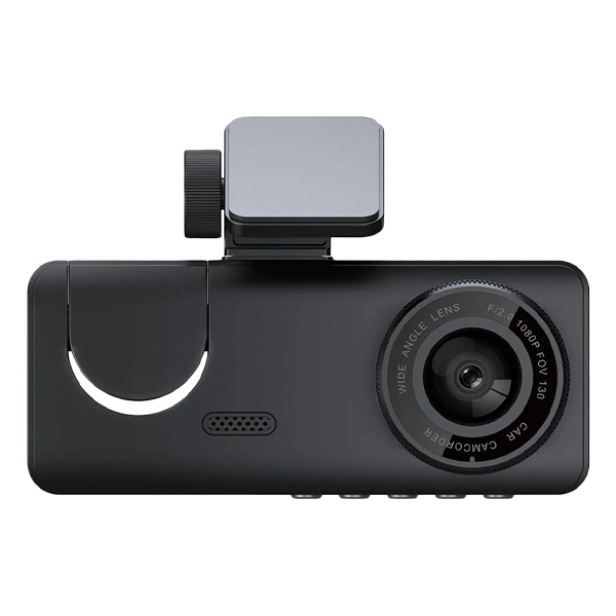
RoadVision brings key dash-camera functions together in a compact design. The following features are described in the supplied product materials; verify exact specifications at checkout.
The advertised wide-angle lens helps capture more of the road ahead within the camera frame.
A built-in LCD screen is designed to make camera settings and footage review more accessible.
The listed G-sensor feature is intended to detect sudden movement and help flag important events.
Designed for use across different lighting conditions, though actual video clarity varies by environment.
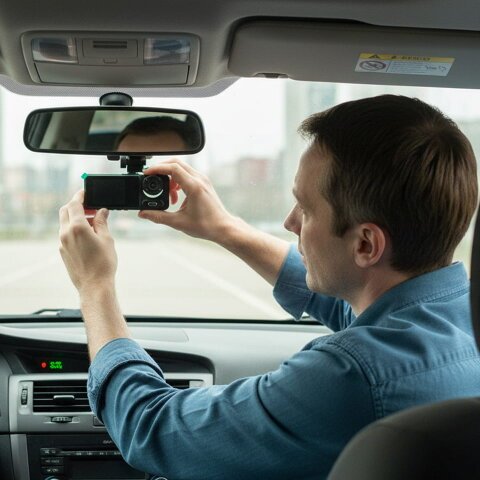
Unexpected situations are difficult to reconstruct from memory alone. A dash cam gives drivers another source of visual context to review, while local laws and recording quality determine how footage may be used.
Installation is designed to be straightforward. Refer to the included user manual for exact mounting, power and recording settings.
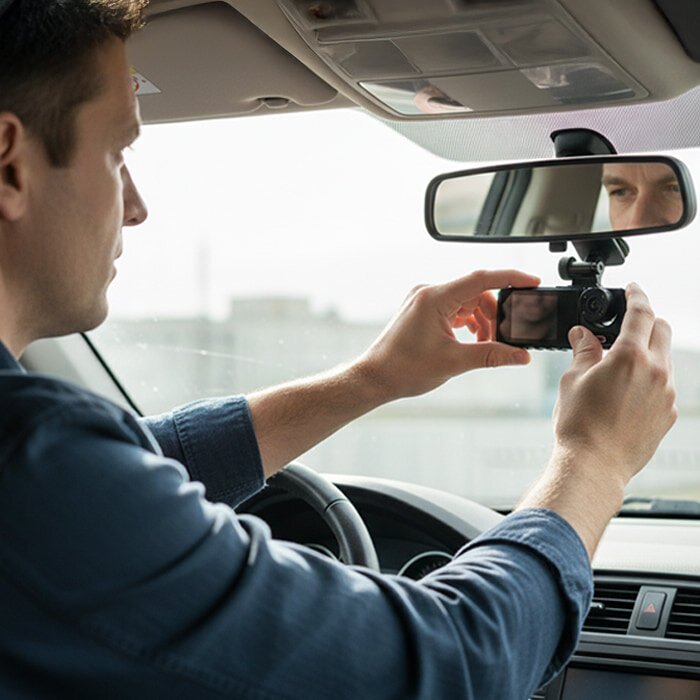
Install the unit where it has an unobstructed forward view and does not interfere with safe driving.
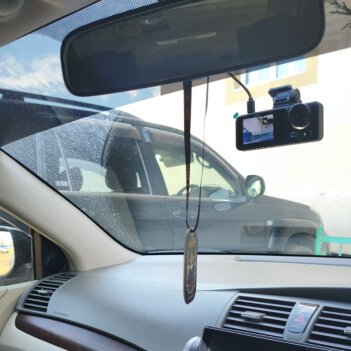
Connect the compatible power supply, set the recording options and check that the view is aligned.
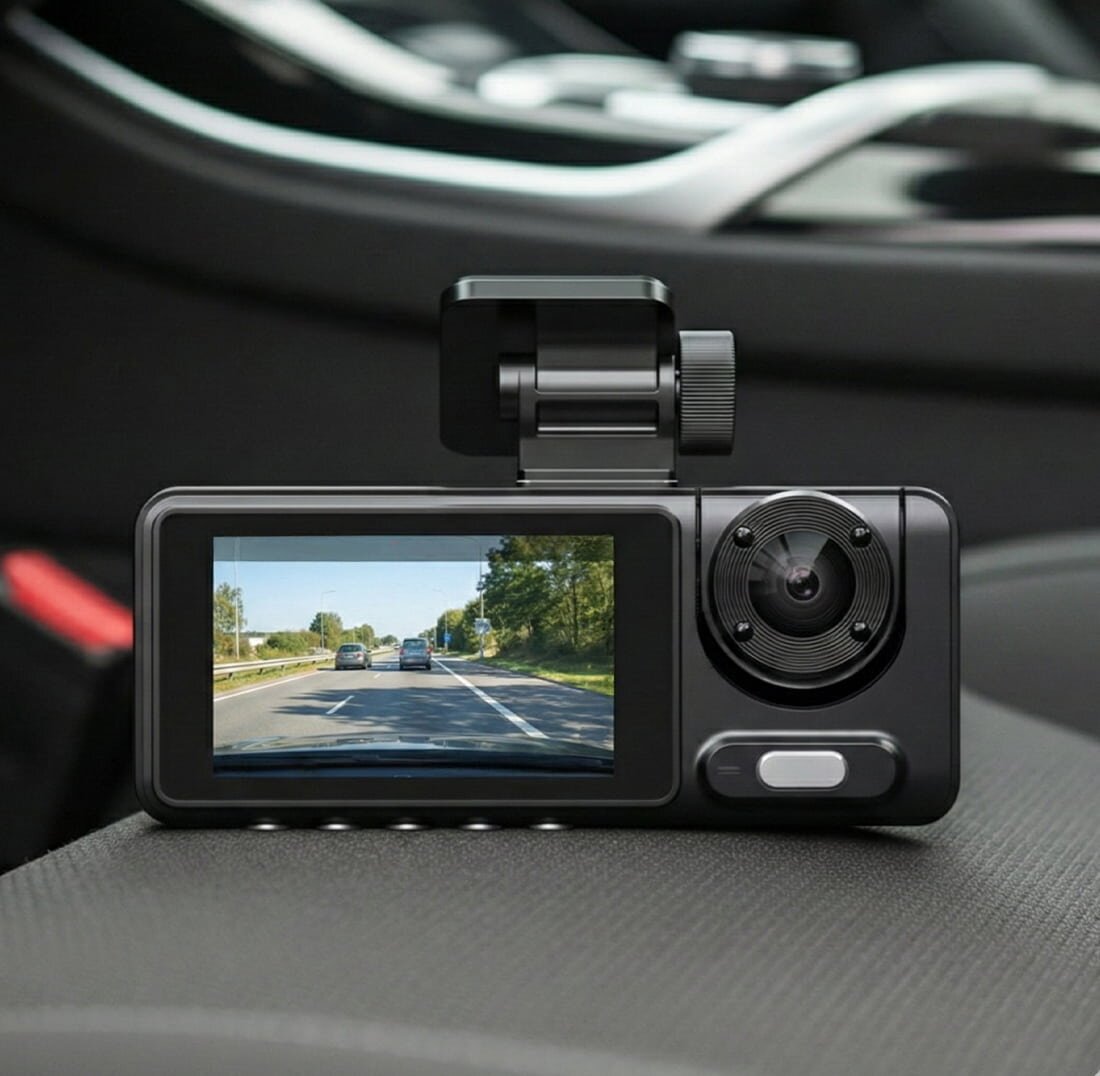
Confirm the camera is recording and review files when needed. Follow applicable privacy laws.
Compare the supplied promotional package prices below. Each purchase button takes you directly to the independent seller's checkout.
Starter option
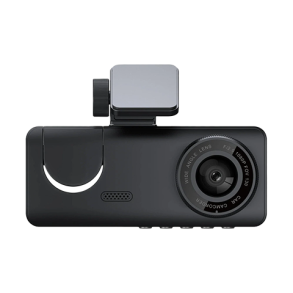
Offer and availability subject to checkout confirmation.
More for two vehicles
Offer and availability subject to checkout confirmation.
BEST SELLER
Offer and availability subject to checkout confirmation.
Maximum bundle value
Offer and availability subject to checkout confirmation.
*The seller describes a 30-day money-back policy. Review eligibility, shipping fees and refund terms on the checkout website before buying. Displayed prices are supplied promotional amounts and may change.
Choosing a dash camera is about how you drive and what type of footage matters to you. Before buying, confirm the current recording resolution, memory-card requirements, power cable compatibility and available accessories.
Choose the number of RoadVision cameras that fits your vehicles and budget.
RoadVision is a forward-facing dash camera intended to record the scene in front of your vehicle. The quality and scope of recordings depend on camera settings, installation and lighting.
The supplied reference materials describe a straightforward windshield installation. Follow the manufacturer's setup guide and ensure the camera does not obstruct the driver's view.
The supplied package information does not confirm memory-card inclusion. Check the seller's current package contents and supported storage specifications before ordering.
A G-sensor is designed to detect abrupt movement. Check the product manual for how event detection and file protection operate on the exact model being sold.
The seller advertises a 30-day return/refund policy. Eligibility, timing, return shipping and other conditions are set by the seller, so please check those terms before purchasing.
All purchase buttons lead to a separate seller website. The seller handles checkout, payment, fulfillment, shipping and returns; this website does not collect orders or process payments.
This website participates in an affiliate referral arrangement. When you use a purchase link on this website and buy from the seller, the website operator may earn a commission, at no additional charge to you.
This website is independently operated and is not the manufacturer's official store. Purchase, shipment, payment and returns are handled by the linked merchant.
Information on this site is provided for general educational and product-comparison purposes. Product images and feature descriptions were supplied as reference material; individual specifications, availability and performance may vary. Always confirm details with the seller before purchasing.
Dash camera use, recording and footage sharing may be subject to local privacy and road-safety laws. Drive responsibly and comply with applicable regulations. No recording device can prevent accidents or guarantee a particular legal or insurance outcome.
By using this website, you agree that its content is provided on an as-is basis. You must independently verify product specifications, pricing and purchase terms on the seller website. Outbound purchase links are operated by third parties and may have separate legal conditions.
All trademarks belong to their respective owners. We may update or correct information without notice. Nothing on this website forms a direct sales contract between you and the operator.
This static website does not offer user accounts or an on-site checkout. Your hosting provider may collect essential technical server logs, including IP address, timestamps and requested pages, for security and service operation.
Clicking an external purchase link may transfer referral parameters and standard browser information to the seller, which operates under its own privacy policy. If analytics or advertising trackers are added, update this notice and implement any legally required consent controls before enabling them.
Website operator details: Replace with actual legal entity name, contact email, location and legally required privacy contact before publishing.
For questions about this informational website, contact its operator using the contact details that must be added before publication.
For orders, payments, shipping, returns or the 30-day policy, contact the merchant through the details provided on its checkout website.